


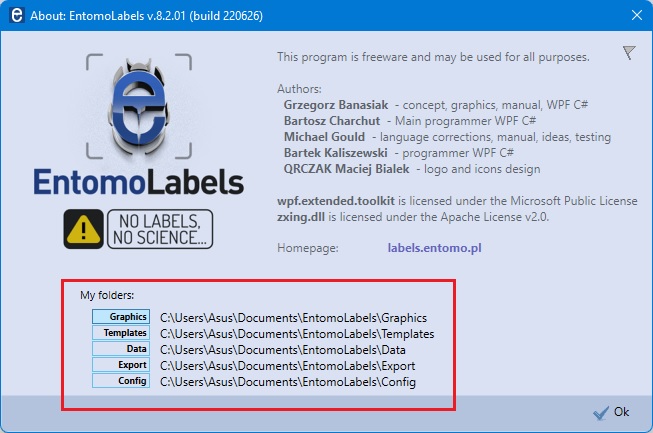
“About” window – now displays the location of the work folders. Clicking the button on the left side of the folder name – opens a window with its contents.
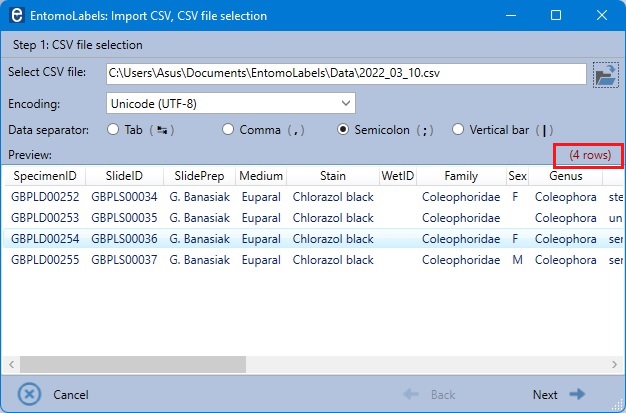
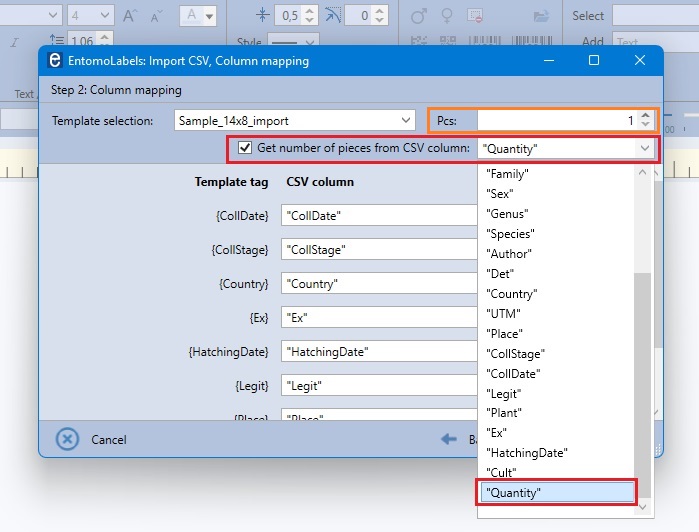
The import window “step 1” displays the number of imported lines from the CSV file, in the “step 2” you can select the “Get number of pieces from CSV column” option and then select any column containing the number of labels.
If the imported cell cell will contain number less than 0 or will be empty, the quantity specified in the “Pcs” control will be imported.
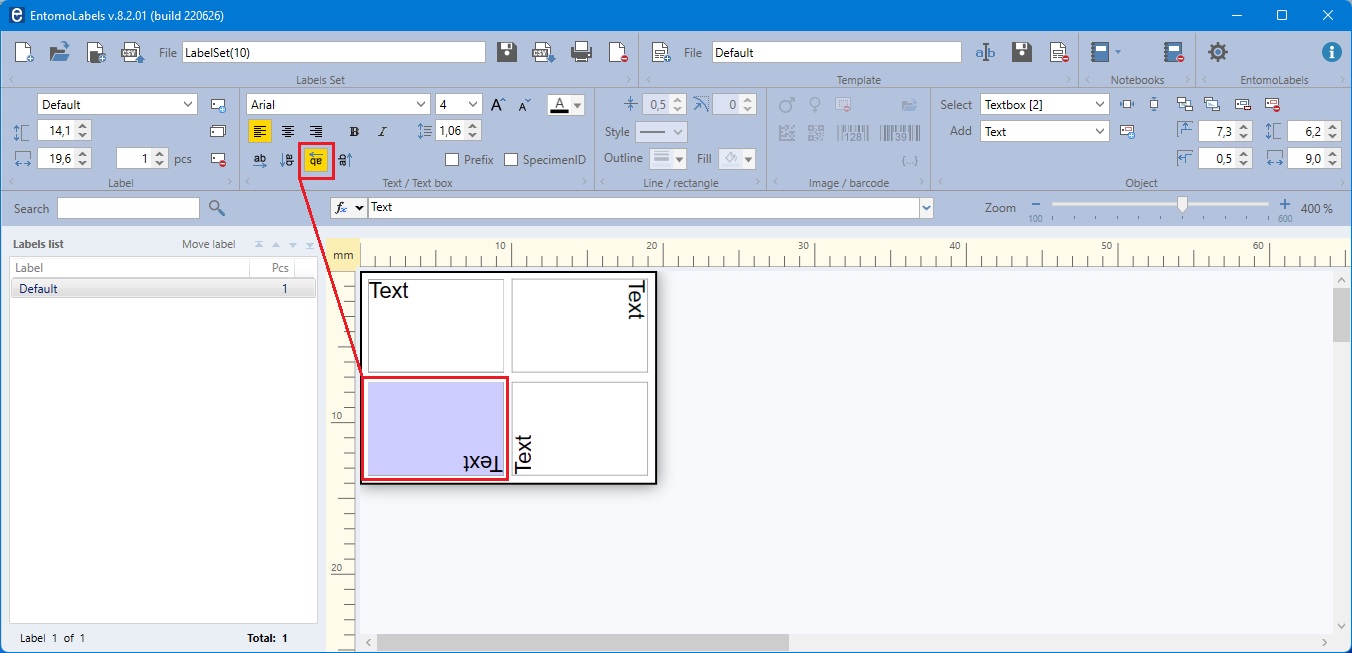
180 degrees text rotation
Margins from 0,0mm
Prefix, postfix and /n (new line) in import tags (further described in Excel and EntomoLabels).